Meshes/Bones Limitations
Complex meshes and huge amount of bones consumes additional CPU resources to update animation and calculate new vertices positions. It's important to limit meshes complexity to avoid performance issues.
- Do not create unnecessary bones and too many vertices in meshes.
- Do not convert slots to meshes, if impact on animation is not significant.
- Do not create complex meshes, especially for small objects.
Animation example
- Original skeleton
- Fixed skeleton
This is a very small symbol, but its geometry 10 times much more complex compared to the background in this game. With 7x7 grid in the game, almost 50 symbols can appear on the screen at the same time. It's important to limit symbol meshes complexity to avoid performance issues.
There is also no reason to make such complex geometry for small objects, because it's not visible for the player.

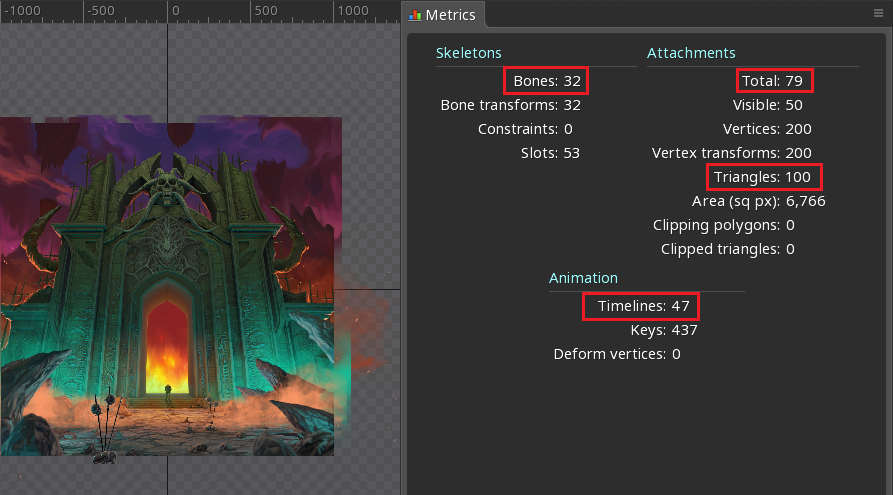
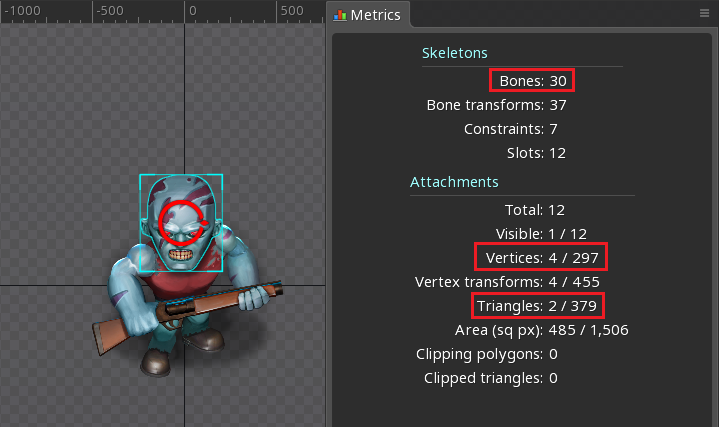
Some complex meshes converted back to simple regions, changes are not visible for the player and performance impact is reduced.
Here are performance stats to show why symbols optimization is highly important. Rendering 50 symbols on high-end device before and after optimization (results on low-end devices will be even more significant):
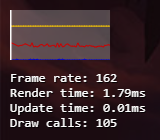
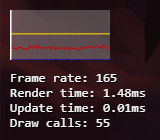
- draw calls amount reduced by 47%.
- rendering time reduced by 17%.