Blending Mode Limitations
Perfomance impact: Medium
Blending mode increases amount of draw calls, required to render the animation. Each time a different blend mode is used, a new draw call is required. It's important to use blend modes wisely to avoid performance issues.
- Try to avoid using
multiplyandscreenblend modes (usingadditiveblend mode is less expensive). - Try to combine multiple slots with the same blend mode near each other in the
draw order(when it's possible and don't affect result), the goal is to reduce blend mode switching as much as possible.
Animation example
- Original skeleton
- Fixed skeleton
warning
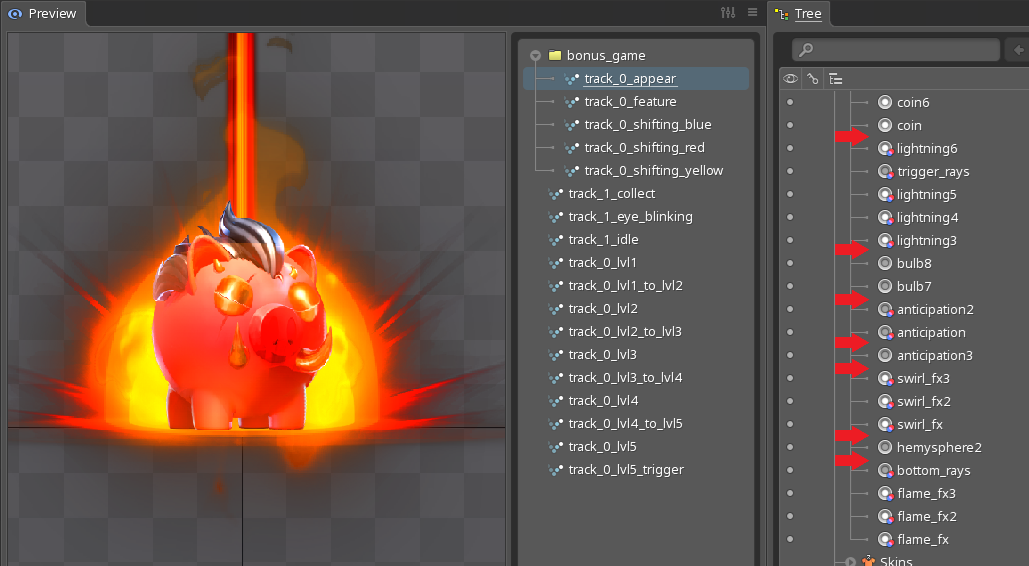
Blend mode switches 7 times. Each switching might result in an extra draw call, which is expensive for the performance. It's possible to re-arrange slots draw order to reduce the amount of blend mode switches.
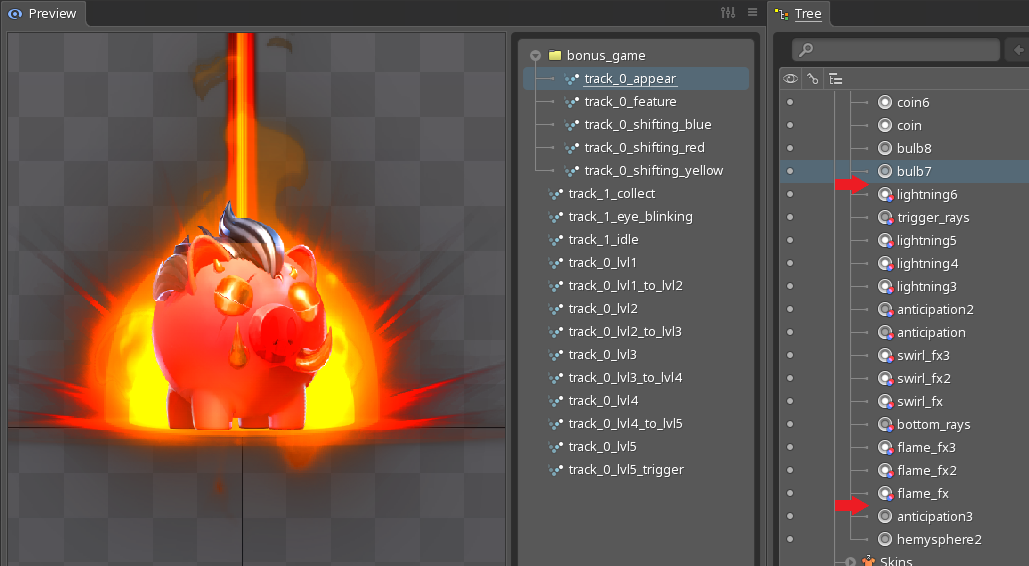
Blend mode switches 2 times. Animation visually looks almost the same, but performance is improved.
- Keep in mind: when using blend modes for symbols the
idlestate animation, these symbols might look a bit different when reels are spinning. Spinorium runtime dynamically creates a static image from the first frame of theidlestate animation. Since symbols are almost always blurred when reels spinning, the difference might not be noticeable.
Animation example
- Spine animation
- Static image
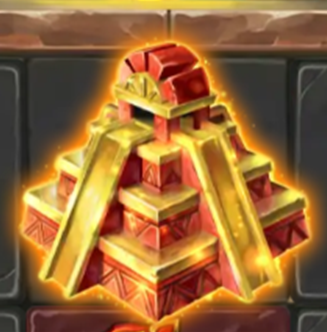
Spine symbol animation with glow effect, slot has additive blend mode.
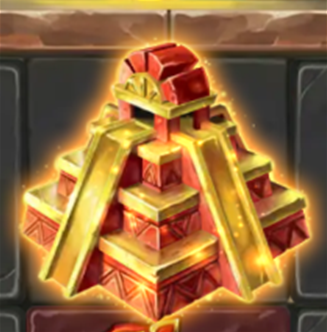
Static image, generated from Spine animation.