Masks Limitations
Perfomance impact: Medium
Mask increases amount of draw calls, required to render the animation. Complex polygonal mask requires several draw calls to render and allocates extra GPU memory. It's important to use masks wisely to avoid performance issues.
- Try to avoid using masks, as they can be very expensive to render.
- Try to use pre-rendered frame-by-frame animations (image sequences) instead of masks, when similar effect is achievable without huge amount of images in sequence.
- Try to use simple
rectangularmasks instead of complexpolygonalmasks, as they are less expensive to render. - Do not use masks to crop background/foreground elements, which will not be visible outside the screen anyway.
Animation example
- Original skeleton
- Fixed skeleton
warning
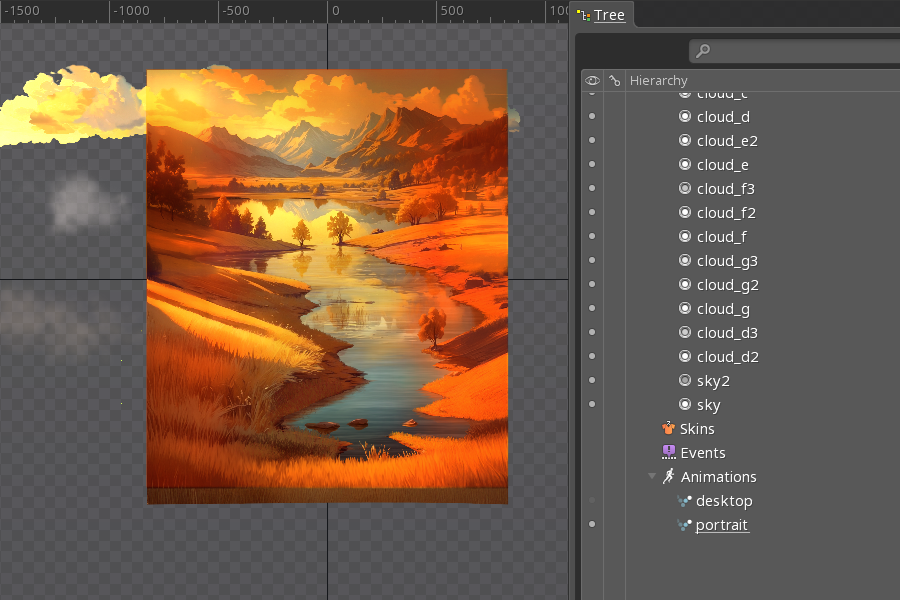
Unnecessary mask, that crops animation elements to fit screen size. Elements outside the screen are not visible anyway, but performance is decreased.

Mask is removed, elements outside the screen are not visible anyway, performance is improved.
- Do not use more than one mask for symbol animation.
warning
Each symbol might be displayed on the screen multiple times (depending of the slot machine size). It's important to keep the complexity of each symbol as low as possible.
- Avoid using masks for
high-payingsymbols when possible. - Do not use masks for
low-payingsymbols at all.