Introduction
Spinorium is a next generation config-based video slots engine for building production slot games. It provides a consistent runtime and tools for rendering, resource management, state orchestration, and timeline-driven features. The focus is flexibility, performance, and straightforward iteration for teams.
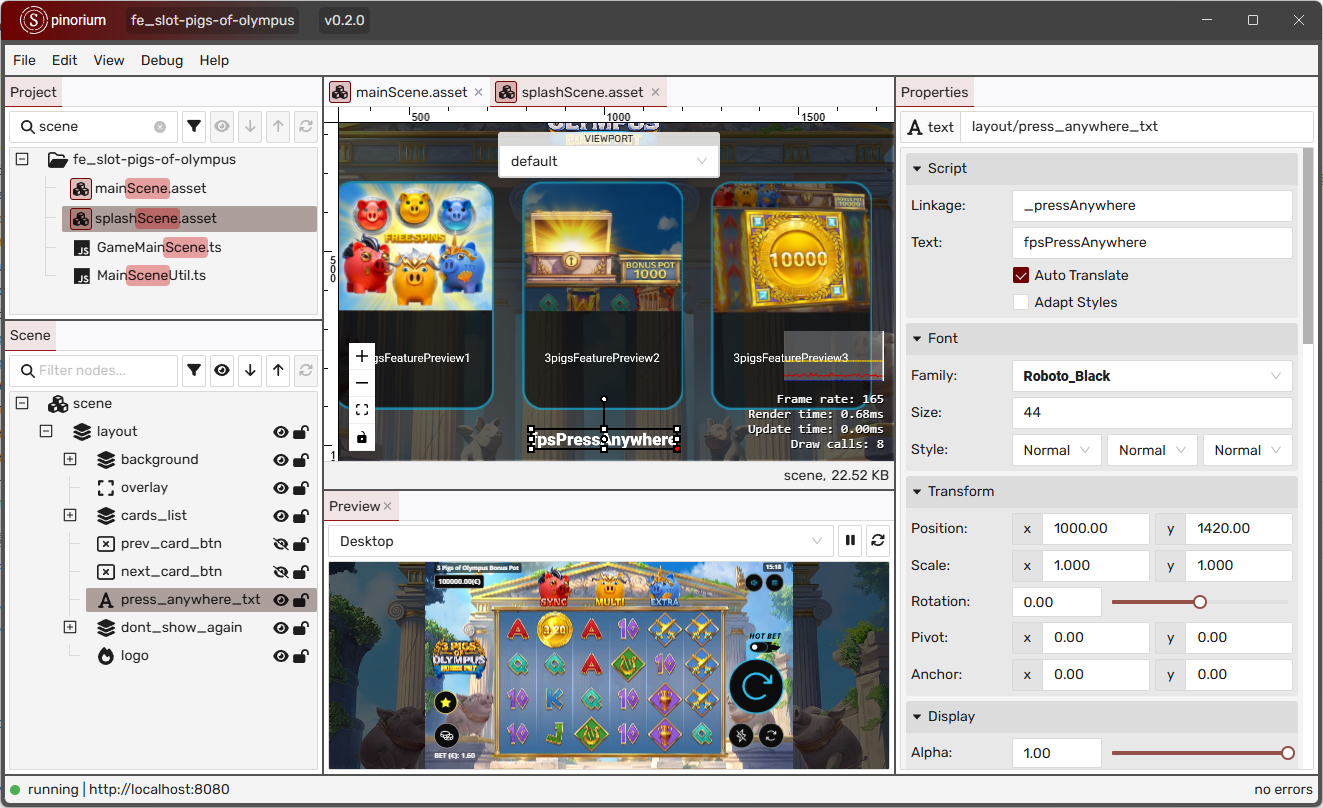
Features
For Developers
Use ready-made components, actions, and tweens. The timeline turns complex flows into readable, deterministic sequences. Resource loading, state machine, and scene utilities are provided to keep game code focused on gameplay.
For Game Designers
Build and iterate on feature flow using the timeline system and templates. Configure behaviors declaratively and prototype quickly without wiring code. Use built-in AI tools to generate assets and complex flows.
For Testers
Playtest the same build across devices with access to the full game state. Timeline-based flow enables fast iteration, skipping long sequences when needed and reproducing states consistently.
Concepts
System
Initializes engine subsystems and global managers used across the game.
State Machine
Describes allowed transitions between high-level game states and can be extended at runtime.
Assets and Resource Loader
Loads resources via bundles with typed entries such as images, texture atlases, and Spine animations. Supports bundle-level options for processing and optimization.
Timeline, Actions, and Tweens
Compose features as sequences of actions, with helper builders for common patterns.
Scene Management
Organizes loading and gameplay into scenes; optional but useful for structuring flows.
Next Steps
Read the following sections to learn more about the engine.
📄️ Getting Started
To get started with the Spinorium engine, you need to initialize it. The engine provides two options to bootstrap a project, each with a different level of control:
📄️ Player Controller
The PlayerController is the preferable and the fastest way to initialize the game. The controller wraps all boilerplate needed to wire Spinorium pieces together and exposes overridable hooks for project-specific logic. The current PlayerController instance is exposed via System.controller property.
📄️ Runtime Declarations
Runtime type declarations in Spinorium allow you to extend and customize the engine's interfaces and types. This is done through declaration merging, a TypeScript feature that lets you add new properties to existing types.
📄️ Player Model
The PlayerModel class is the central state holder for a player session. The PlayerController owns an instance of the model and automatically drives it through the session states defined by SessionState.
📄️ Event Systems
Spinorium includes two built-in event systems: the classic event dispatcher and signals. These systems enable loose coupling between components, allowing them to communicate without direct dependencies.
📄️ Common Game Events
The engine provides many predefined events that are useful in most games. Understanding these events and when to use them helps to build the game faster.
📄️ State Machine
Spinorium includes a built-in state machine that can operate in two modes: with a predefined list of states and strict transitions or dynamically changing states based on game behavior.
📄️ Round Manager
All round-related logic is managed by the RoundManager, which owns the lifecycle of RoundModel, RoundGenerator, and round state instances for a single play. It validates whether a round can start, requests round execution from the PlayerModel, and exposes a queue of features that the runtime consumes. Override the following methods to customize round behavior. These methods are called each time a new round starts:
📄️ Scene Manager
Spinorium provides a simple SceneManager to switch between scenes. It keeps the active scene on the stage, disposes the previous one, and handles layout updates. Custom game scenes could extend the Scene base class, while layout scenes exported from the editor extend EditorScene and accept a resource alias in the constructor.
📄️ Custom Components
Spinorium provides a practical way to merge layout exported from the editor with runtime code. You can declare custom containers in TypeScript, let the editor instantiate them via linkage, and get strongly-typed references to child components without manual lookups.
📄️ Dependency Management
The DependencyManager is a lightweight yet powerful dependency injection container integrated into the Spinorium engine. It lets you register and resolve implementations, control substitutions, and reuse instances via pooling.
📄️ Objects Pooling
The dependency manager also serves as an object pool, allowing you to allocate and release instances of classes efficiently. This is particularly useful for managing resources in a game environment where performance is critical. This document provides a guide to object pooling in Spinorium, including how to use the dependency manager for this purpose.